Software
Software Description:
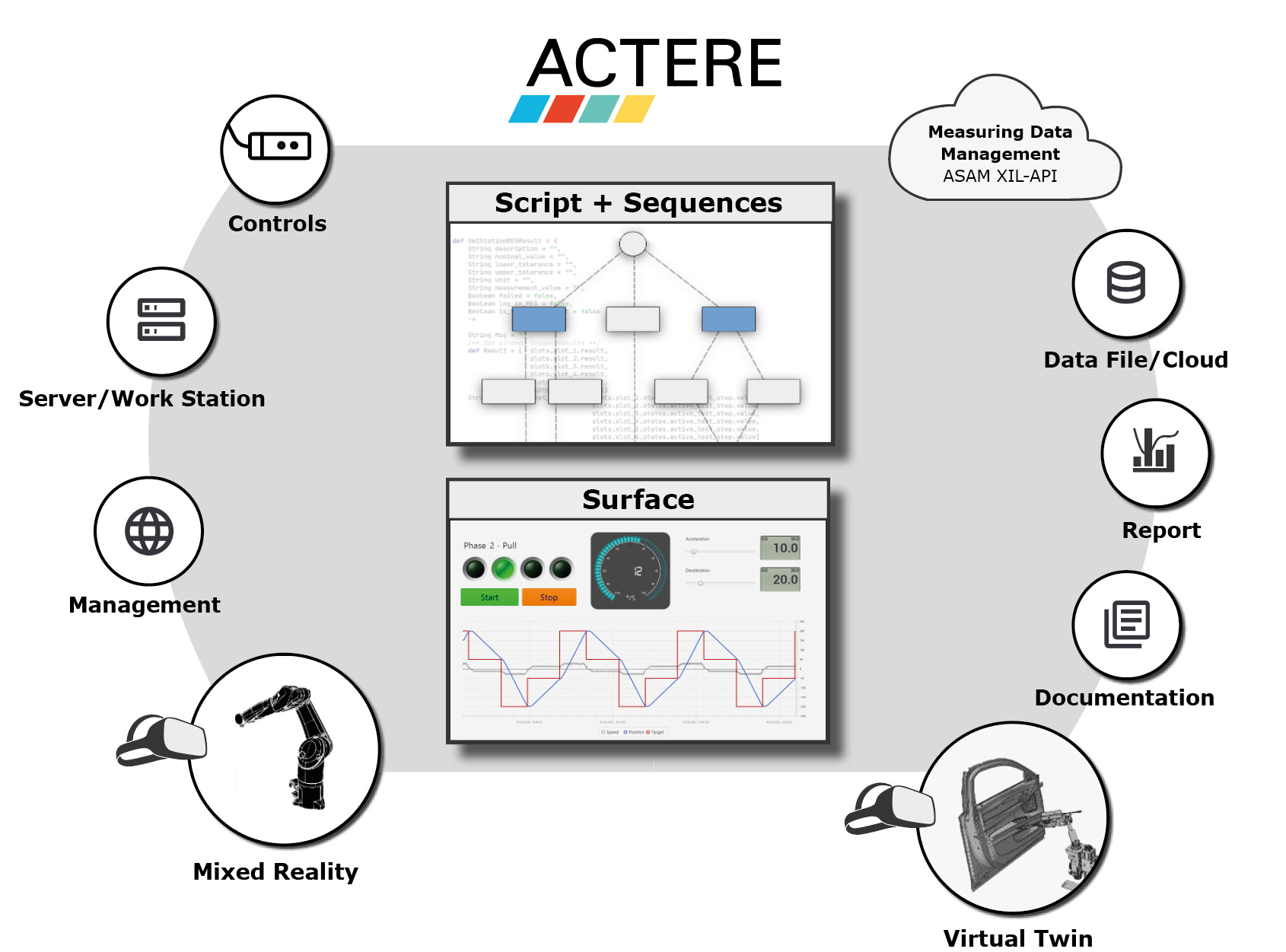
ACTERE software is a comprehensive package for controlling test systems and automating industrial equipment across all sectors. It enables the execution of measurements, analyses, and assessments, as well as documentation, within automation processes.
Its extensive interface suite captures and processes data from both hardware and software. Thanks to the use of standardized communication interfaces and remote control capabilities, ACTERE can integrate into, or expand upon, existing workflows and automation systems.
Graphical programming allows for the creation of complex, parallel processes without the need for coding expertise. Functional extensions are implemented via user-defined script code using Groovy, a simple scripting language based on Java. Groovy provides a wide range of additional functions for data communication and processing.
To ensure a high level of security, ACTERE offers flexible access control through individualized permission settings.
ACTERE supports all KARING actuators and includes a variety of predefined, intelligent function blocks for use with them.
Structure of the Software:
ACTERE is divided into system configuration and the project. The system configuration acts as the interface between hardware and software and handles the configuration of users or user groups and their system-wide permissions.
The system configuration includes:
– Users / user groups
– Assignment of system-wide permissions
– Hardware configuration and calibration
– Configuration of software-based emergency stop behavior
– Server configuration for remote control
The actual testing and control tasks are managed within the projects. Projects serve as the central entry point for creating and visualizing processes and user interfaces. ACTERE supports the simultaneous execution of multiple projects. A multi-door tester is a good example of this.
A project consists of:
– Project-specific hardware
– Actions and conditions
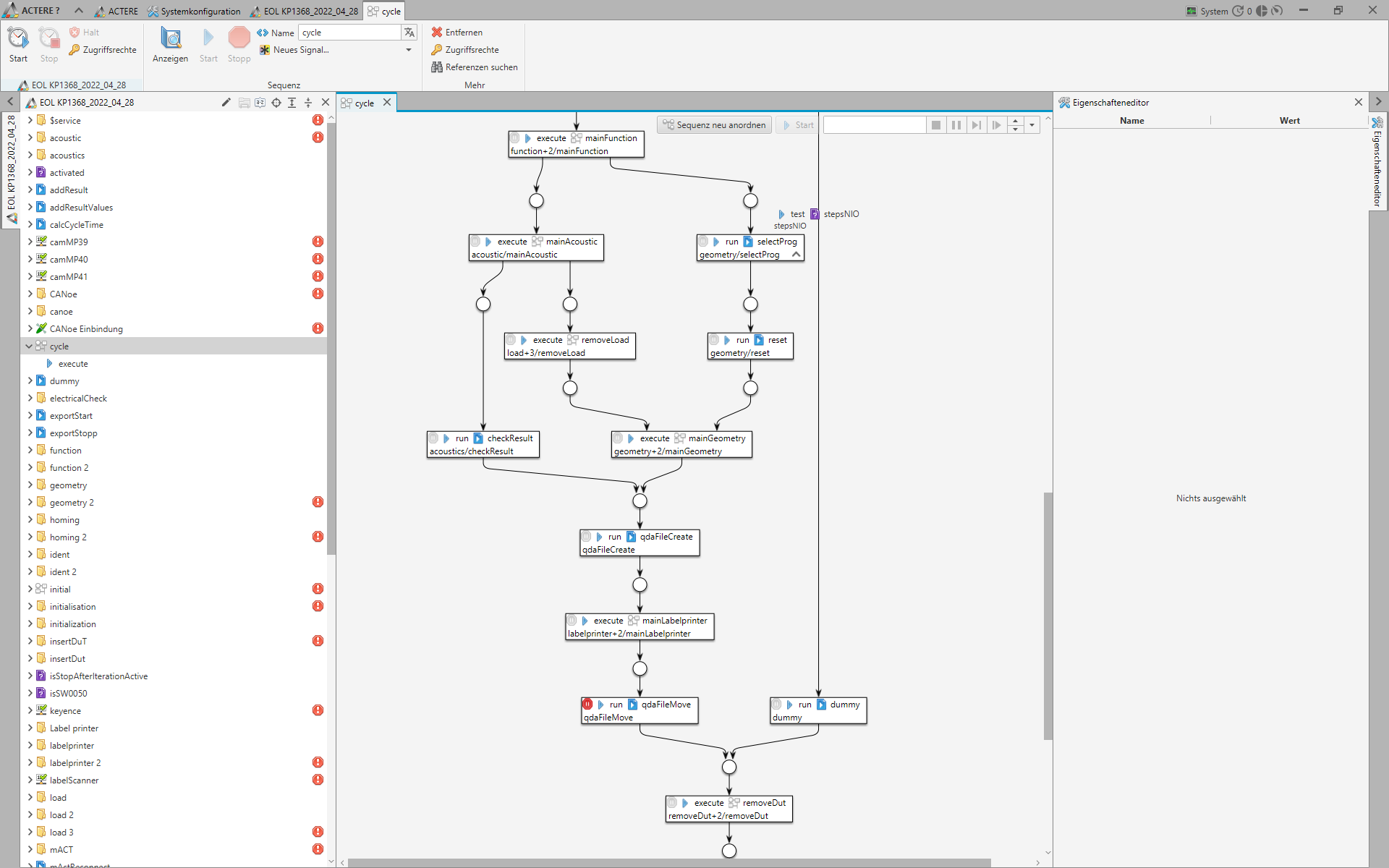
– Sequences
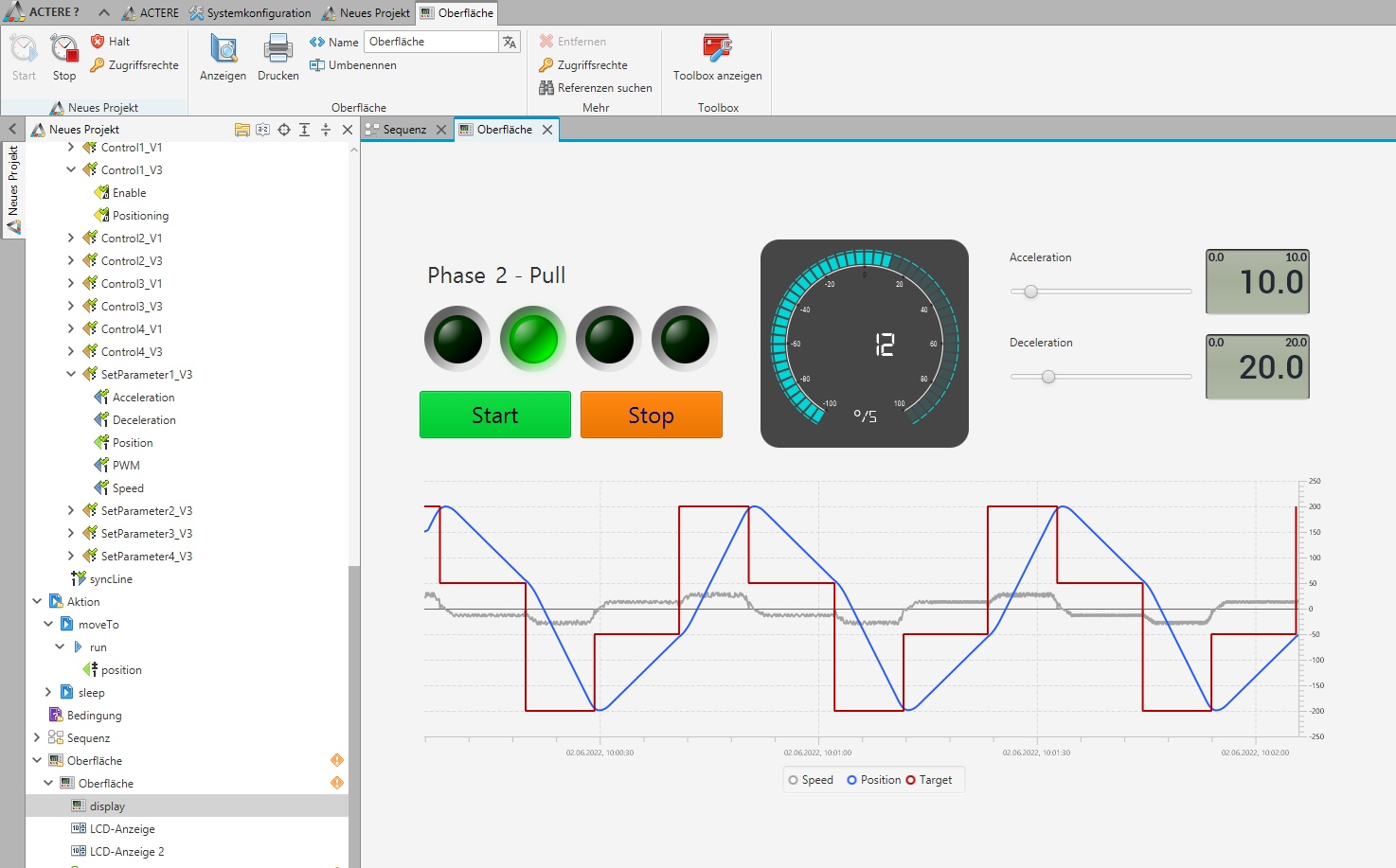
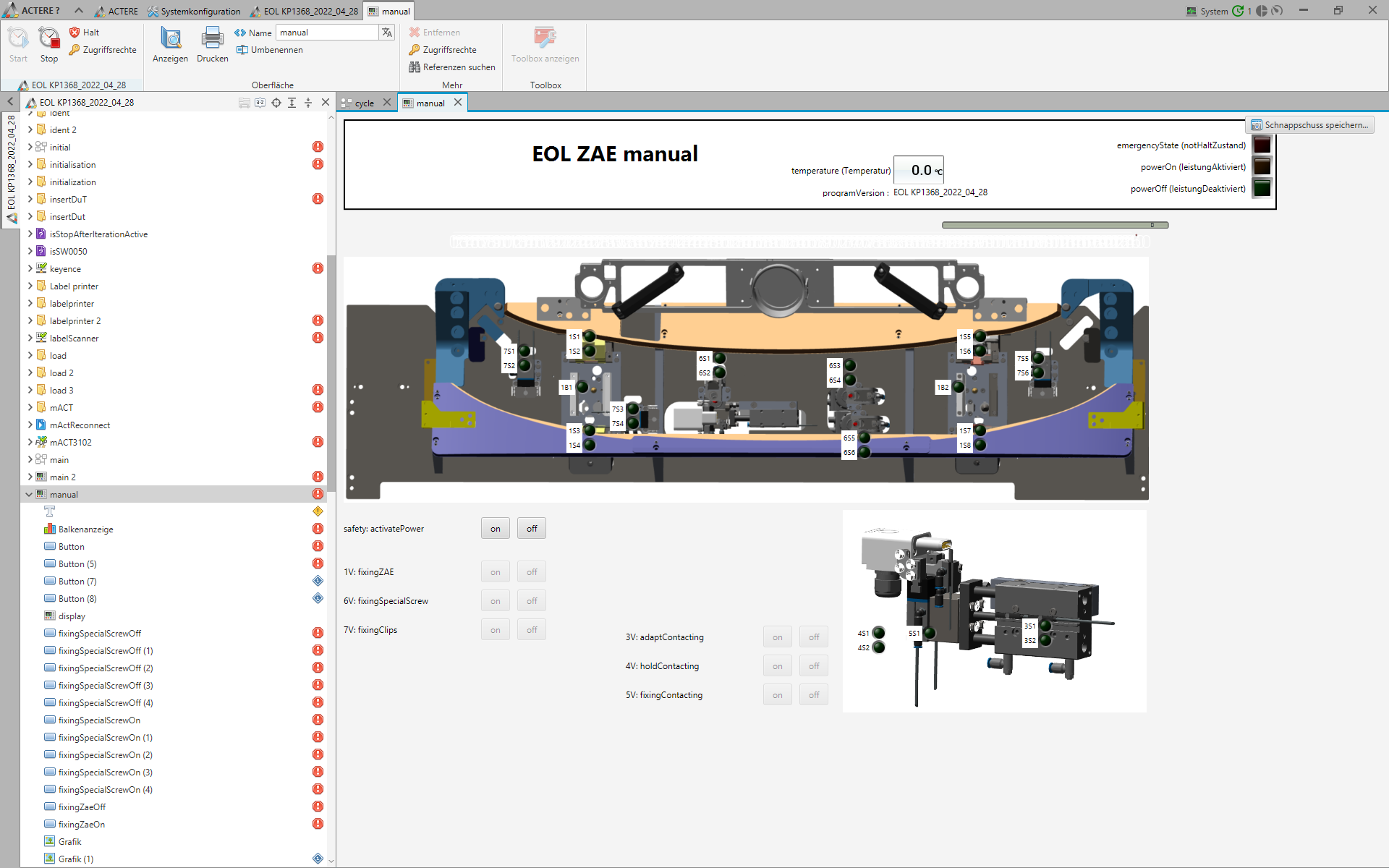
– User interfaces
– Directory references
Advantages of ACTERE:
- Automation without programming skills
- Standardized interfaces
- Freely and flexibly definable sequence structure
- Parallel processes
- Database-based event logging
- Standardized measurement data in MDF 4.x format
- Detailed access control
- Integrated project documentation
- Remote control via OPC UA or XIL clients
- Virtual Twin System (VTS)
- Connection to a report generator for creating comprehensive data analyses
- Comprehensive example project
New at ACTERE 2026:
- Installer + Licensing
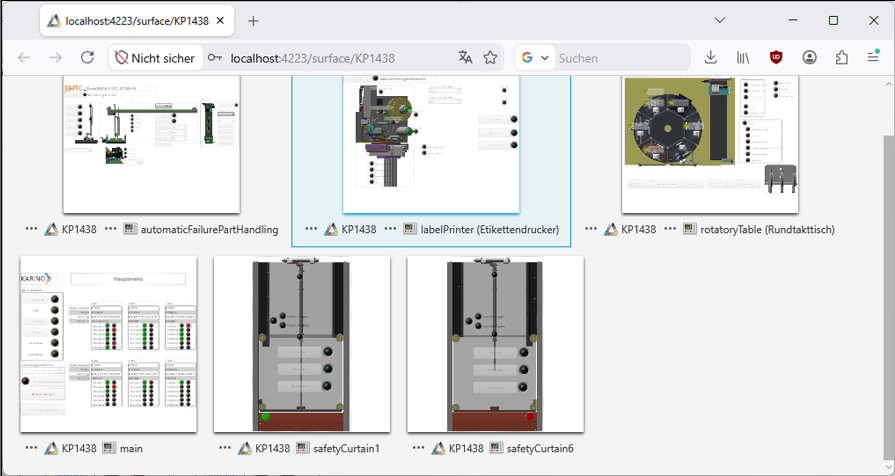
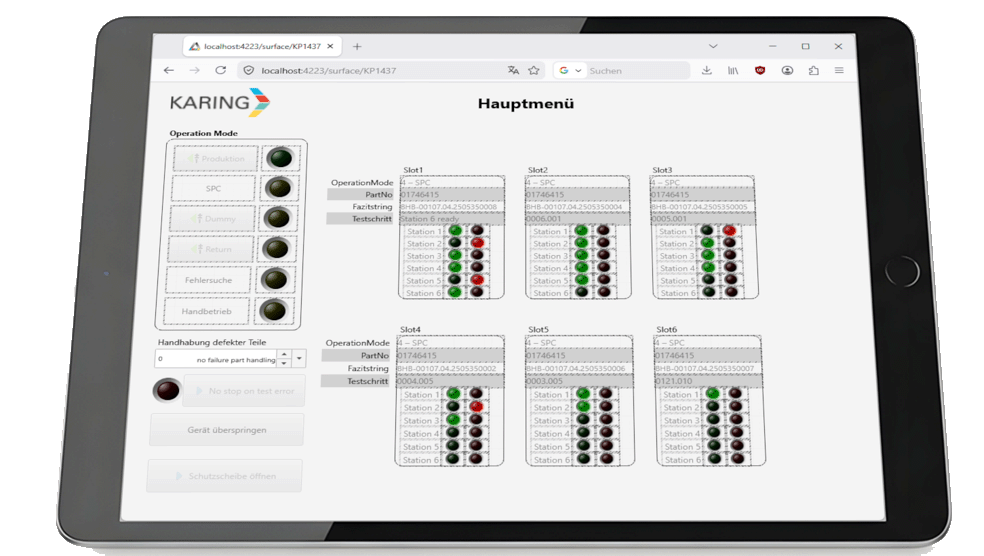
- Remote interfaces – control and visualization of interfaces via a web browser
- Simplified merging and insertion of projects/components
- Optimized display of validation messages for improved error descriptions
- Project tree filtering and signal selection
- Script-based email sending
- Improved PDF export quality
- Listing of diagnostic elements (such as breakpoints or bookmarks) in scripts
- Code editor with component references
- New checkbox graphic element
- New installer and licensing options
ACTERE in detail
General ACTERE features:
- Multi-monitor support
- Multilingual capability
- Automatic validation of project status
- ZeroConf support – ACTERE detects self-identifying devices on the network
- Remote control of ACTERE via OPC UA or XIL client
- Project documentation, including export in HTML and PDF formats
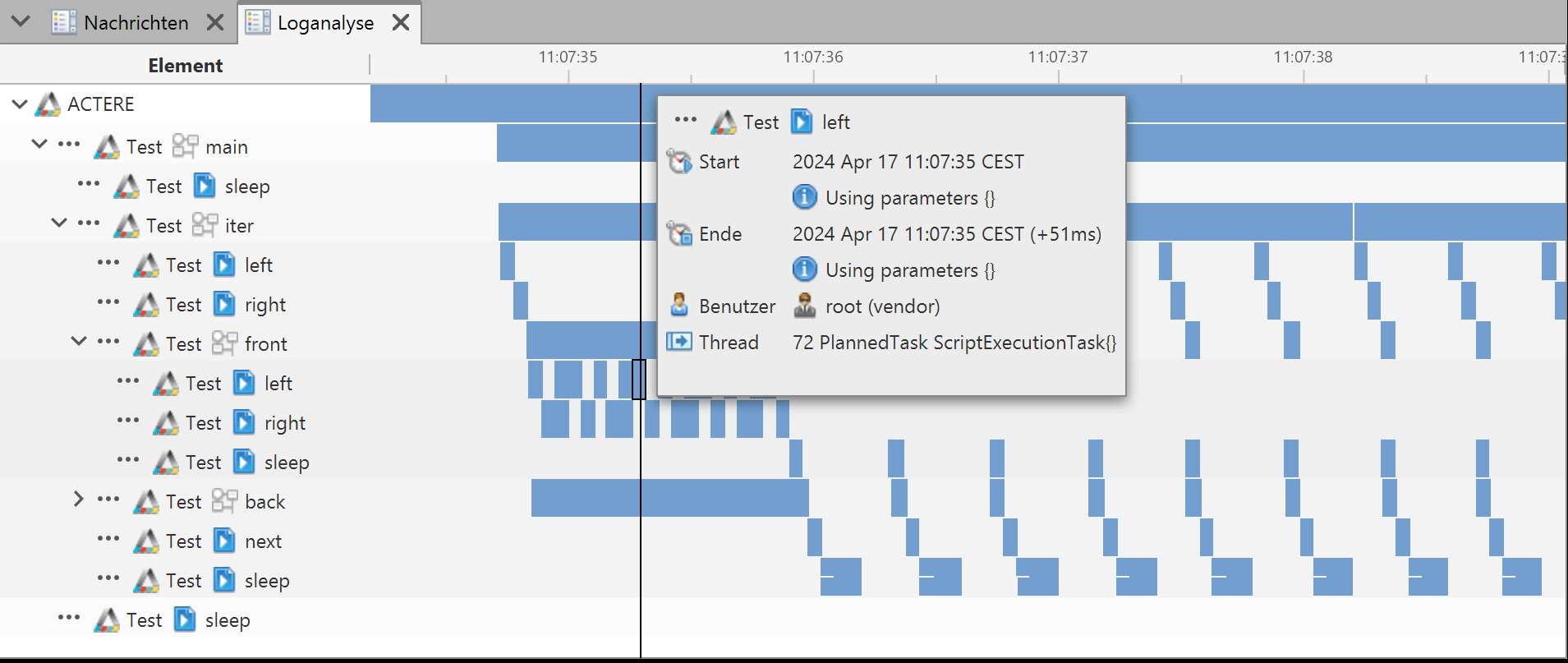
- Event logging for process analysis and execution time optimization
- Reference tree for searching component usage
- Git integration
- Drag-and-drop component placement creates corresponding references
- Web server for remote control of user interfaces
Communication interfaces:
- All KARING devices
- Automation communication: EtherCAT, PROFINET
- Automotive bus systems: CAN, LIN, CAN FD
- Control systems: S7, WinAC
- Diagnostic software: Ediabas, ODIS, CANoe, CANape
- National Instruments DAQmx driver support
- Vector XL driver support, Vector CAN adapter
- WAGO Series 750
- PILZ PNOZ
- Standardized clients: OPC UA, SCPI, SOAP, XIL, Modbus
- Freely programmable clients: TCP/IP, UDP, serial
- Climate control units/chambers
- Peripherals such as printers, scanners, RFID readers/writers, etc., based on JavaPOS drivers
- Integration of additional interfaces possible
Hardware:
- Calibration options for hardware signals at the system and project levels (zeroing, polynomial, etc.)
- Simplified update process for hardware configurations following hardware changes
- Statistical calculations for signal values (min, max, mean, including script-based queries)
Data export formats:
- MDF 4.x
- CSV
- XLSX
Actions:
- Parameter-driven execution
- Script code based on Groovy, enabling additional data processing capabilities
- Predefined script methods with access to ACTERE functions
- Launching external processes
- Sending emails
- Accessing and modifying signal values from project hardware
- Processing Excel templates
- Exporting data in JSON format
- Querying Git information
- Dragging and dropping supported components into the script generates the corresponding code
Sequenzes:
- Graphical sequence modeling
- Parameter-driven execution
- Sequence elements (such as actions or sequences) can be paused or skipped
- Hardware signals can be used directly within sequences
- Parameter values for elements in the sequencer can be modified during the test run
Surfaces:
- Freely and flexibly customizable with a wide range of graphics
- Cartesian chart for displaying signal values as line, bar, or bubble graphs
- The “Embedded Display” graphic allows for the visualization of interfaces, sequences, or actions on an interface
- Export as PDF available
Protocol:
- For creating simple reports
- Automated export as PDF via script code